A productivity tool is something that doesn't cause you frustration
·-- Wu Changxing
With English as a non-native language, I often encounter difficulties in expressing myself.
I often find that a serious problem is forgetting words or failing to find the precise English counterpart, which might cause me to miss out on many opportunities.
For example, regarding the same project, I chatted with two investors from the same company. In the end, the reactions I received were completely different.
First, A is Korean, a native Korean speaker, and B is British. We chatted on the same day around the same time. The end result was that A thought what I said was mind-blowing and was extremely interested, while B felt it couldn't really be considered a mature idea.
The investment strategies and interests within the same company should be similar, so why did they arrive at completely different conclusions? Reflecting on it, it must have had a lot to do with my spoken English.
For instance, when chatting with B, there were times when many things were on the tip of my tongue, but I couldn't recall what the exact word was, so some in-depth topics couldn't continue. With A, since their native language wasn't English either, whenever we encountered more complex expressions, we could continually describe them using simple words to engage in deeper and more detailed discussions.
The earliest time I felt this deeply was when chatting with an artist friend. When the two of us were discussing a topic, I thought of using the concept of ostracism to complete the artwork we wanted to create. However, I didn't know the proper term 'Ostracism' at all. She is American and knowledgeable about Western classical allusions; if I had been able to say the word 'Ostracism', it would have saved a lot of explaining, and the discussion would have been much deeper. Unfortunately, the vast majority of my reading was done in Chinese, so I simply didn't know what certain specialized terms were.
Conversations move in the blink of an eye, and so do opportunities in life. If I had known many of those words back then, or built them up earlier, I wouldn't have felt the regret of lacking words when I needed them most.
I used Eudic for a long time before, and it was great on Mac, but I found something even better: using ChatGPT with the right prompts.
Eudic does a great job translating English to Chinese, but its Chinese-to-English translation is a complete mess—I could never find the words I wanted. The versatile GPT, on the other hand, is exceptionally good at handling this kind of language content.
Please take a look at my demonstration using the community's EacGPT to see the effects of my newly added prompt:
Chinese to English Translation
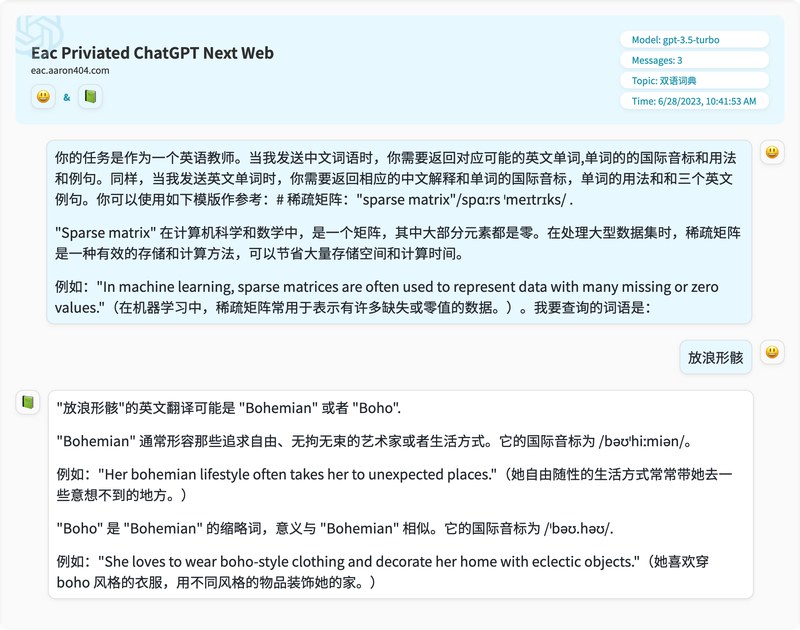
You can see that its understanding of '放浪形骸' (unrestrained/uninhibited) is quite accurate, and the words chosen are very close to what we intended to convey.
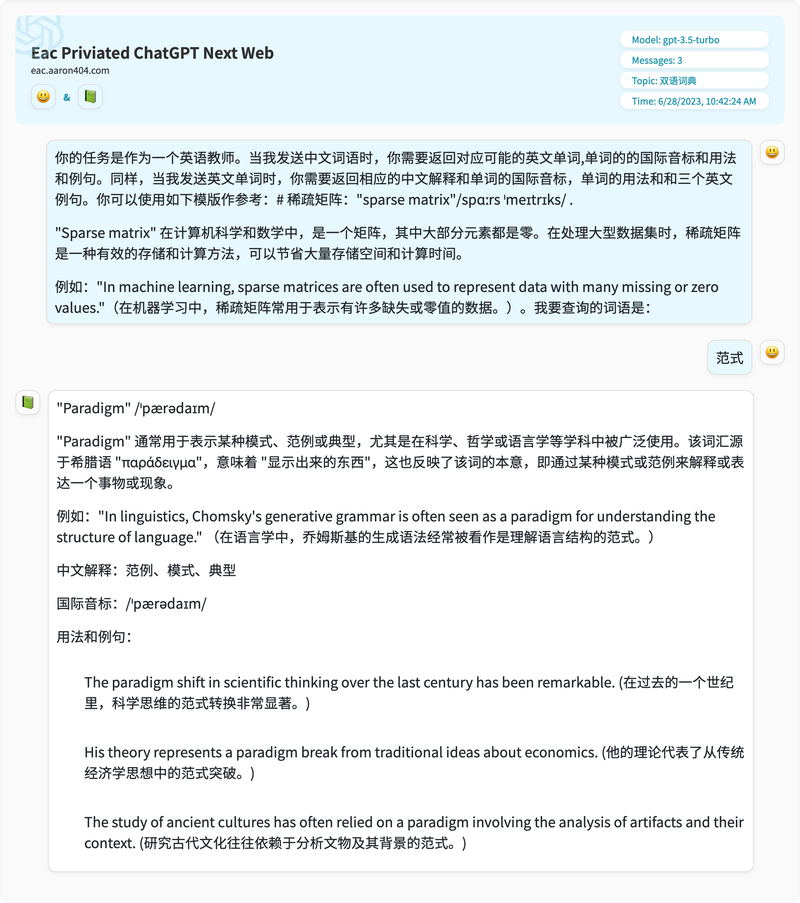
For specialized terms, it can provide a relatively professional explanation.
Now let's take a look at English to Chinese translation.
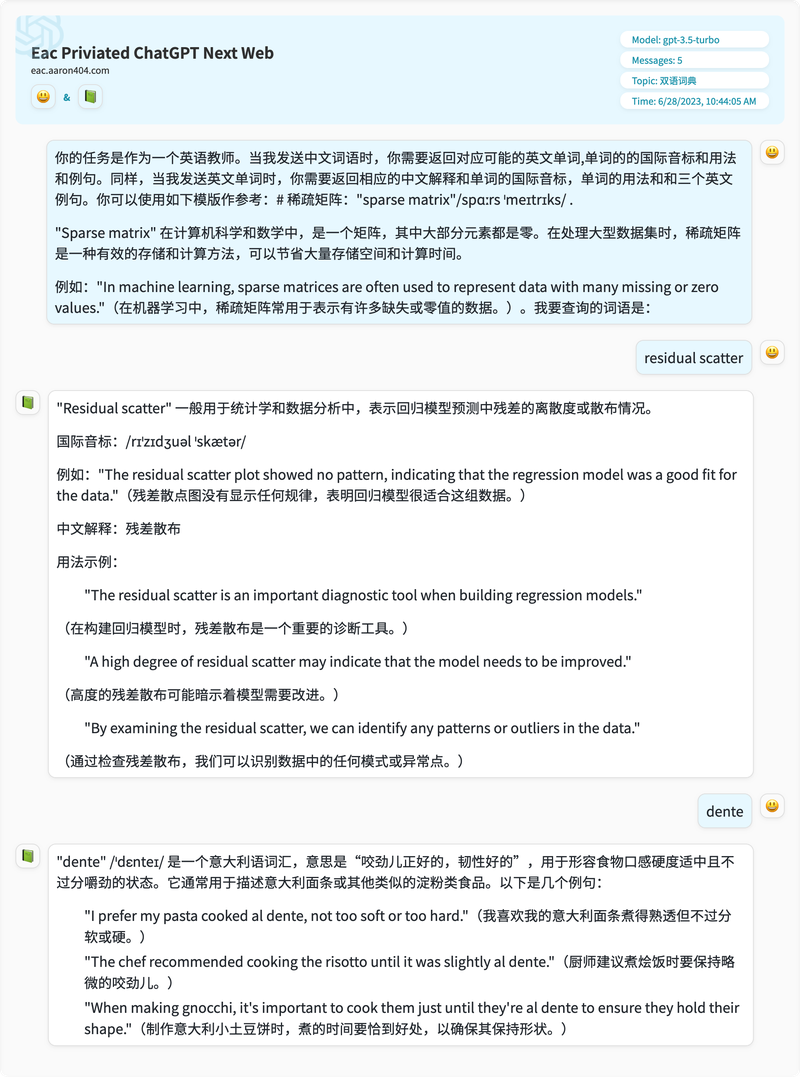
Both translations provided are very accurate: one is a specialized machine learning term, and the other is related to food. Below is the full conversation; you can head over to EAC right now to give it a try.
How to use it during chats in EAC?
Step 1: Get an invitation code and register
You can obtain an invitation code in two ways:
- Reach out to me directly and send me an introduction of yourself. Because EAC is positioned for friends, the goal is basically for everyone to know one another. My self-introduction is on my blog. If registration were open to the public, I wouldn't be able to handle people exploiting the free resources.
- Get an invitation from an EAC user. Currently, I haven't invited more than 100 people. A few have been using it for a month already. Anyone whose EXP exceeds 20 is eligible to invite others, so you can ask them for an invitation code.
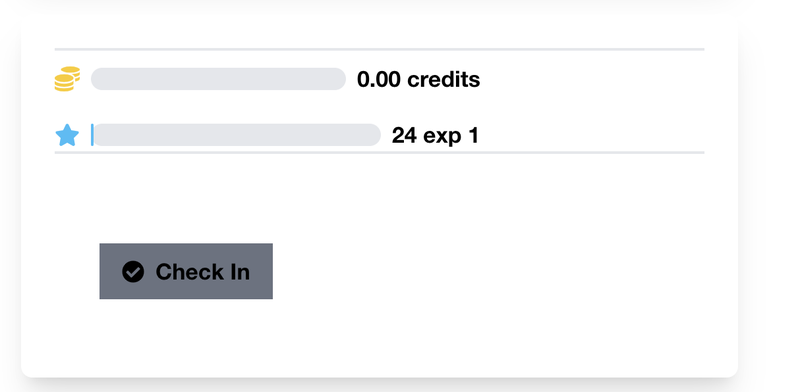
For example, this user's EXP is over 20, and there is a section like this on their user profile page:
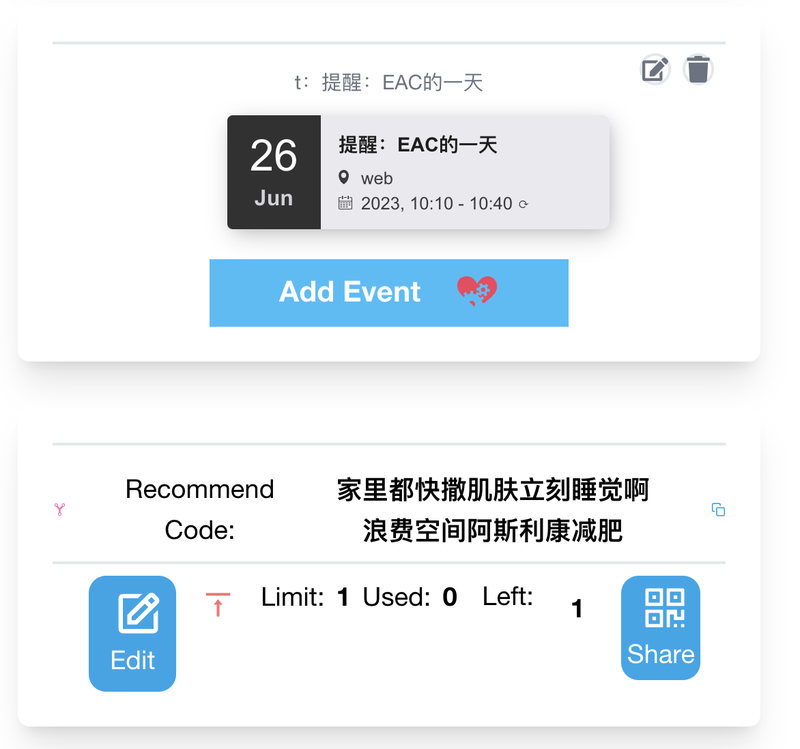
User t can then share an invitation code with you, and you can register in your browser at eac.aaron404.com.
Then, in the chat room, there are several buttons at the bottom; the leftmost button is used to open GPT.
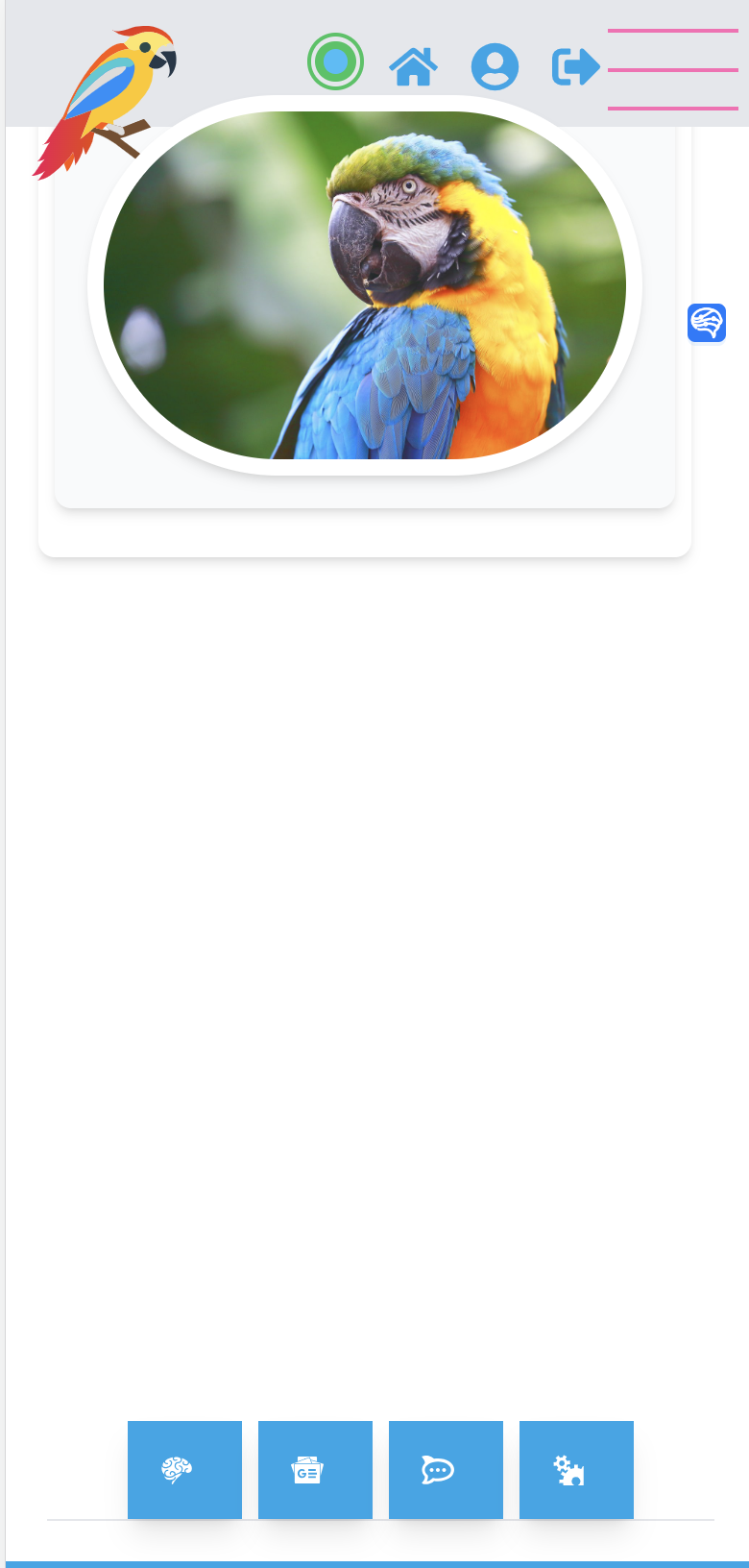
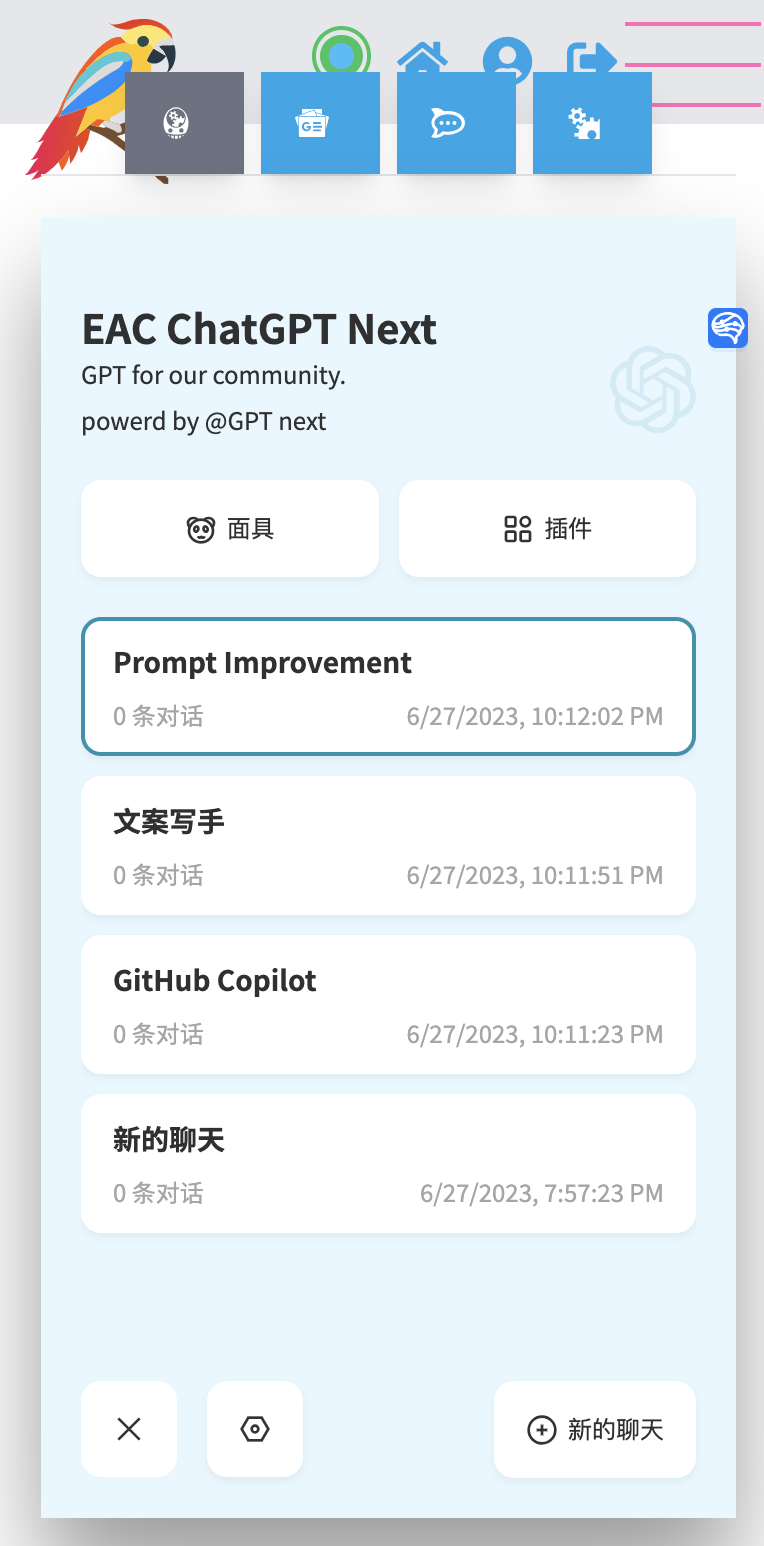
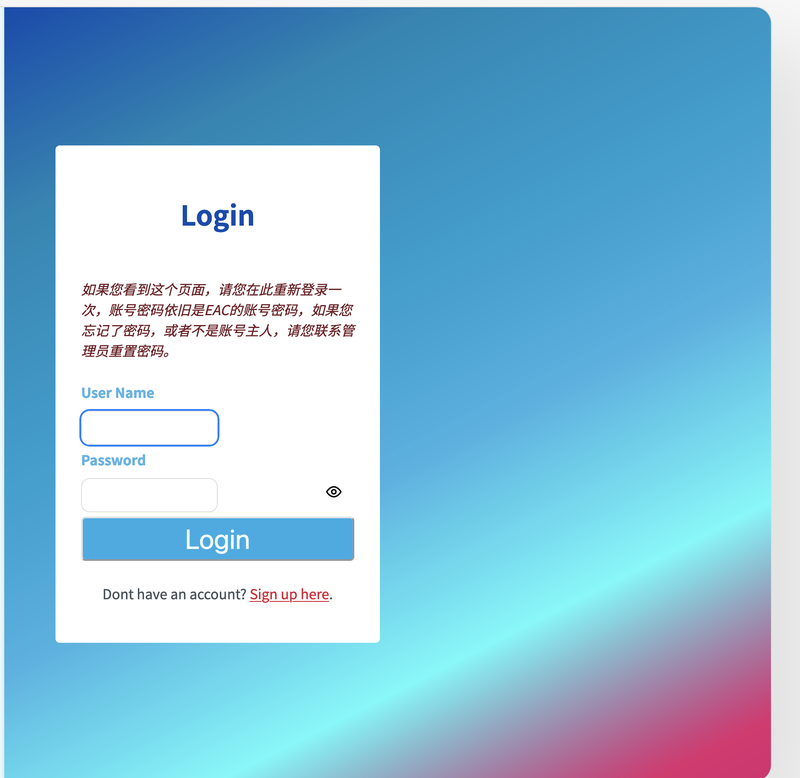
Sometimes you might see a prompt asking you to log in again; just log in once more with your username and password.
After logging in, you can click on the mask icon to find the preset prompts.
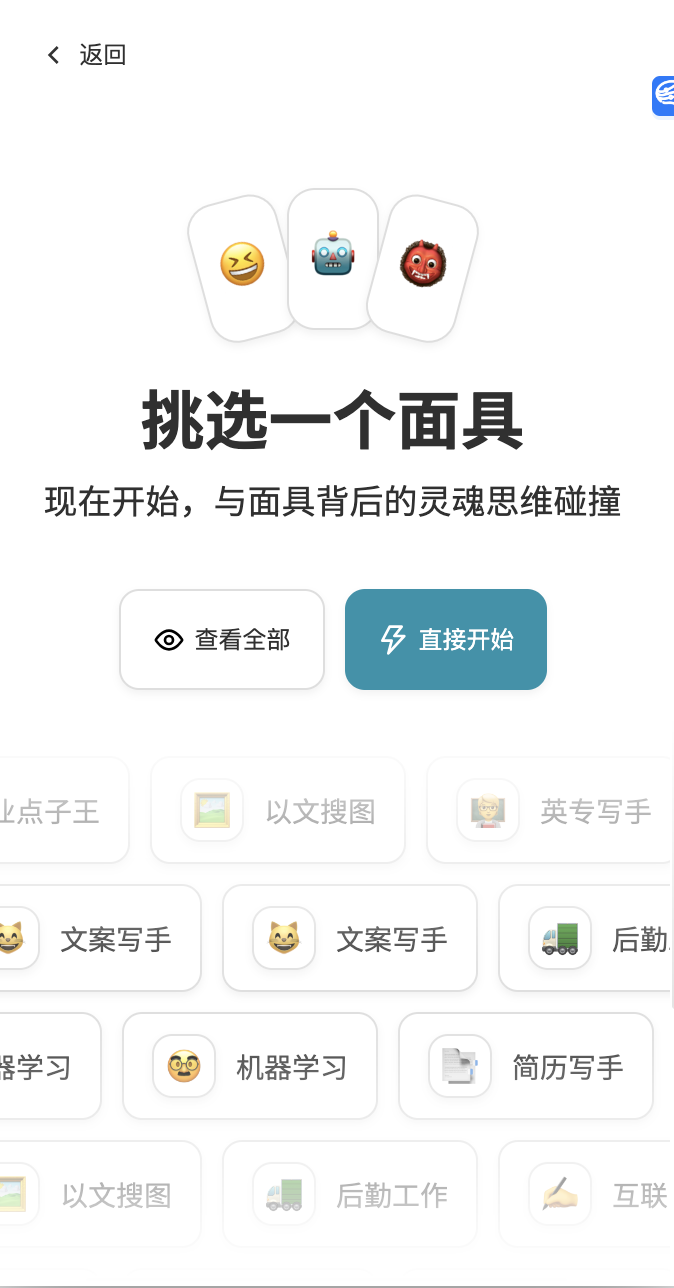
You can click to view all masks, and then search for 'Bilingual Dictionary'.
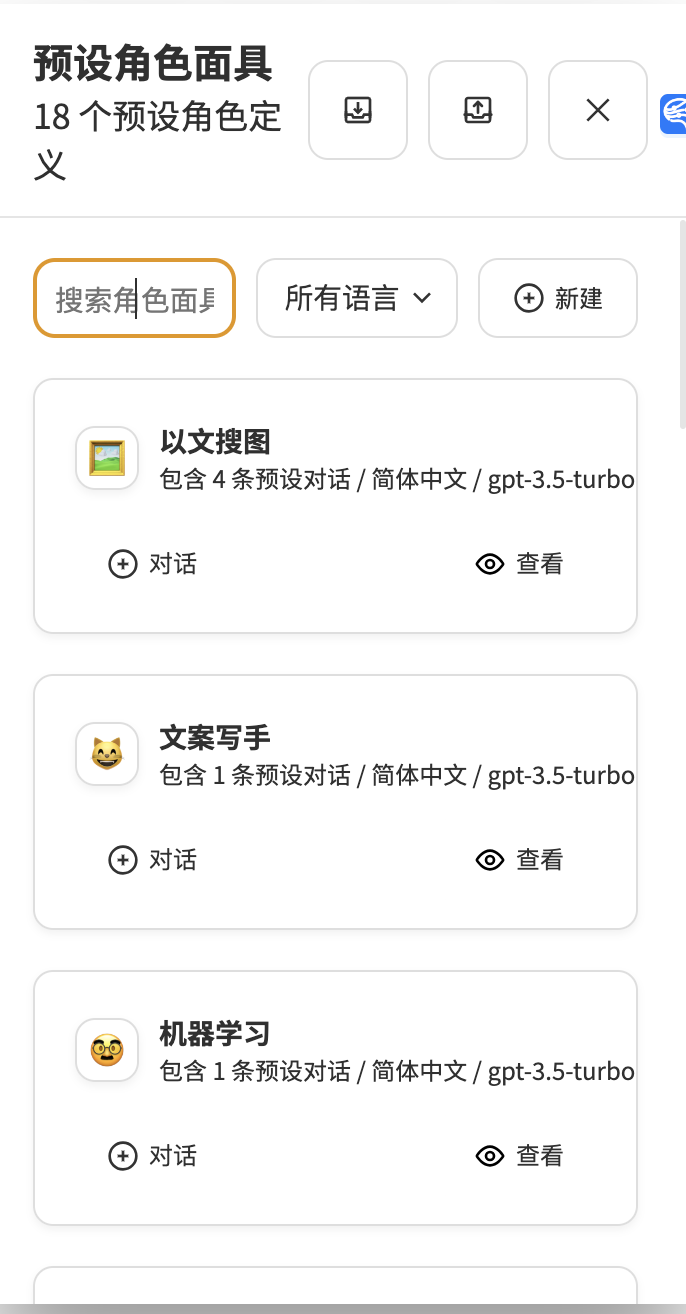
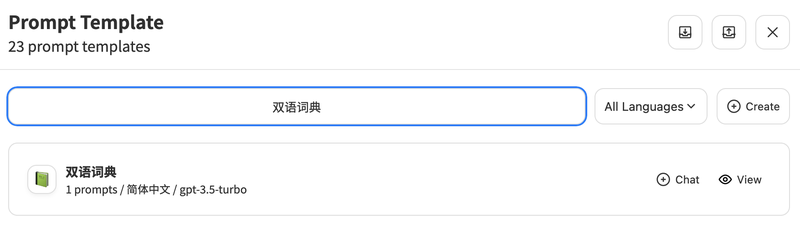
Then select 'Bilingual Dictionary' to start chatting.
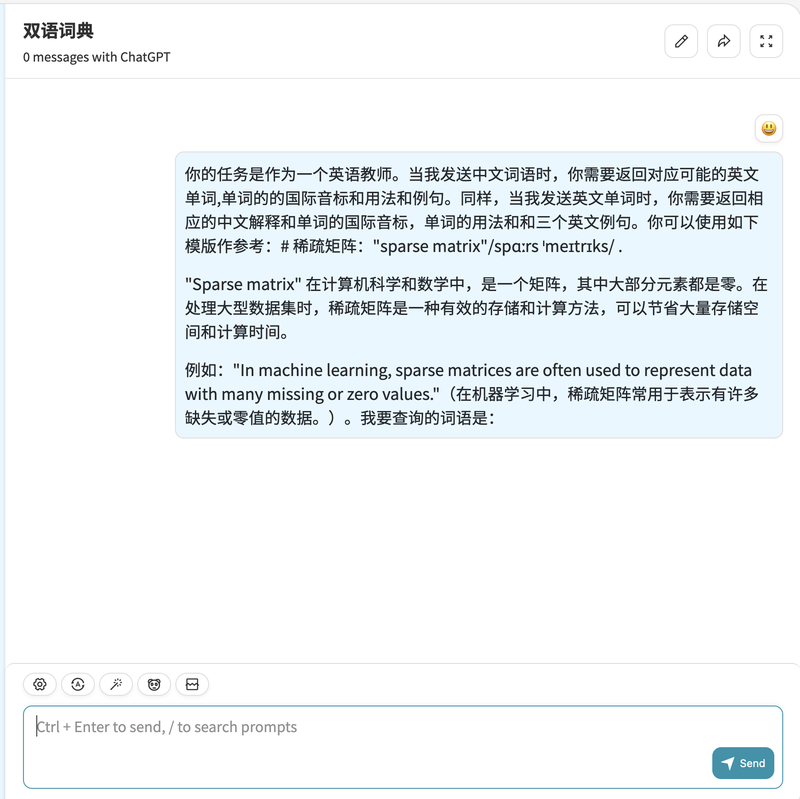
Additionally, there is a share function in the upper right corner, allowing you to share your conversation with friends as an image.
Welcome to EAC to practice your spoken English!
https://eac.aaron404.com